Adding a Meta Pixel to Kinema Pages
You can now add a Meta Pixel to your Kinema Pages.
Share
You can now add a Meta Pixel to your Kinema Pages. What does that mean?
Once you add your Meta Pixel in your Kinema Dashboard, we will share your pixel on your public pages: your landing page, film and series pages, screening pages, and checkout. Then you can use Meta Ads Manager to see which Facebook and Instagram ads bring people to your pages and which visits convert into purchases.
Here is how to add your Meta Pixel.
- Log In to your Kinema account.
- Click on your initials, in the upper right hand corner
- Select Dashboard

- Select the correct Organization Name in the left nav if you have multiple organizations
- Click on Marketing in the left hand nav.
- Enter your Meta Pixel ID and click Save
*Your Meta Pixel ID can be found in your Meta Events Manager under Data Sources.
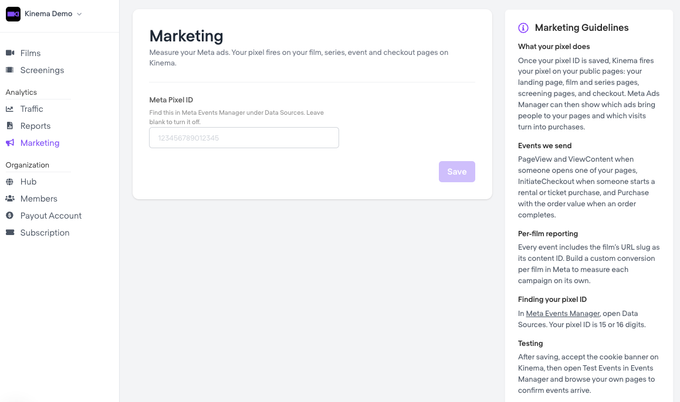
To turn it off just leave delete your Meta Pixel ID and leave blank.